How to Choose the Right Near Me Computer Classes in Ranchi
Find Near Me Computer Classes in Ranchi and learn computer basics, MS Office, typing, internet use and practical digital skills at EEPL Classroom.
Introduction
You need to fill out an online form, but you don’t know how to use a computer. So you ask a neigh bour, or pay a cyber café every single time. If you have ever searched for Near Me Computer Classes, this guide is for you.
You can learn basic computer skills in four ways: on your own at home, at a computer class near you, with a home tutor, or in an online live class. The right choice depends on your needs and how you like to learn.
In this blog, you will see what basic computer skills are, how the four options compare, how to find and judge Near Me Computer Classes in Ranchi, how to spot fake certificates, and what to learn first.
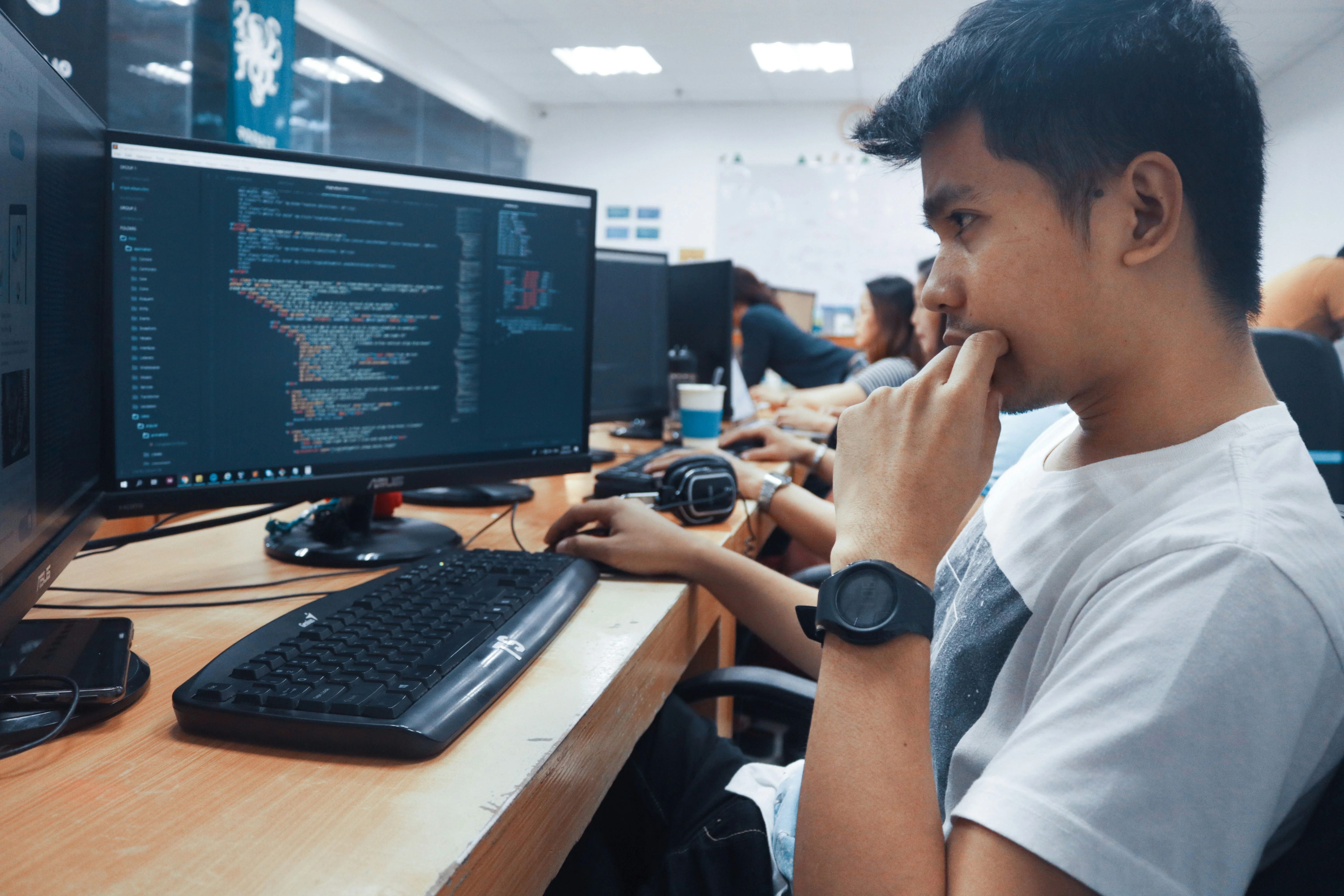
What Are Basic Computer Skills?
Computer basics
Typing and using Windows
Learn to type with both hands, open apps, and change settings. Slow typing is fine at the start. Speed comes with practice.
Getting started with MS Word, Excel and PowerPoint
Word is for letters and applications. Excel is for lists and simple calculations. PowerPoint is for presentations.
Internet, email and Google
Create an email ID, send an attachment, and search properly on Google.
Everyday digital tasks
UPI payments, online forms, DigiLocker, and saving files in Google Drive.
Online safety and avoiding scams
Never share your OTP or PIN. Be careful with unknown links and “lottery” messages.
10-point self-check. Can you:
- Switch on and shut down a computer properly?
- Use the mouse and keyboard comfortably?
- Create a folder and save a file in it?
- Type a full page in Word?
- Make a simple table in Excel?
- Make a basic PowerPoint slide?
- Create an email ID and send an attachment?
- Search on Google and download a file?
- Pay through UPI safely?
- Fill and submit an online form?
If you can do fewer than six, a proper class will help.
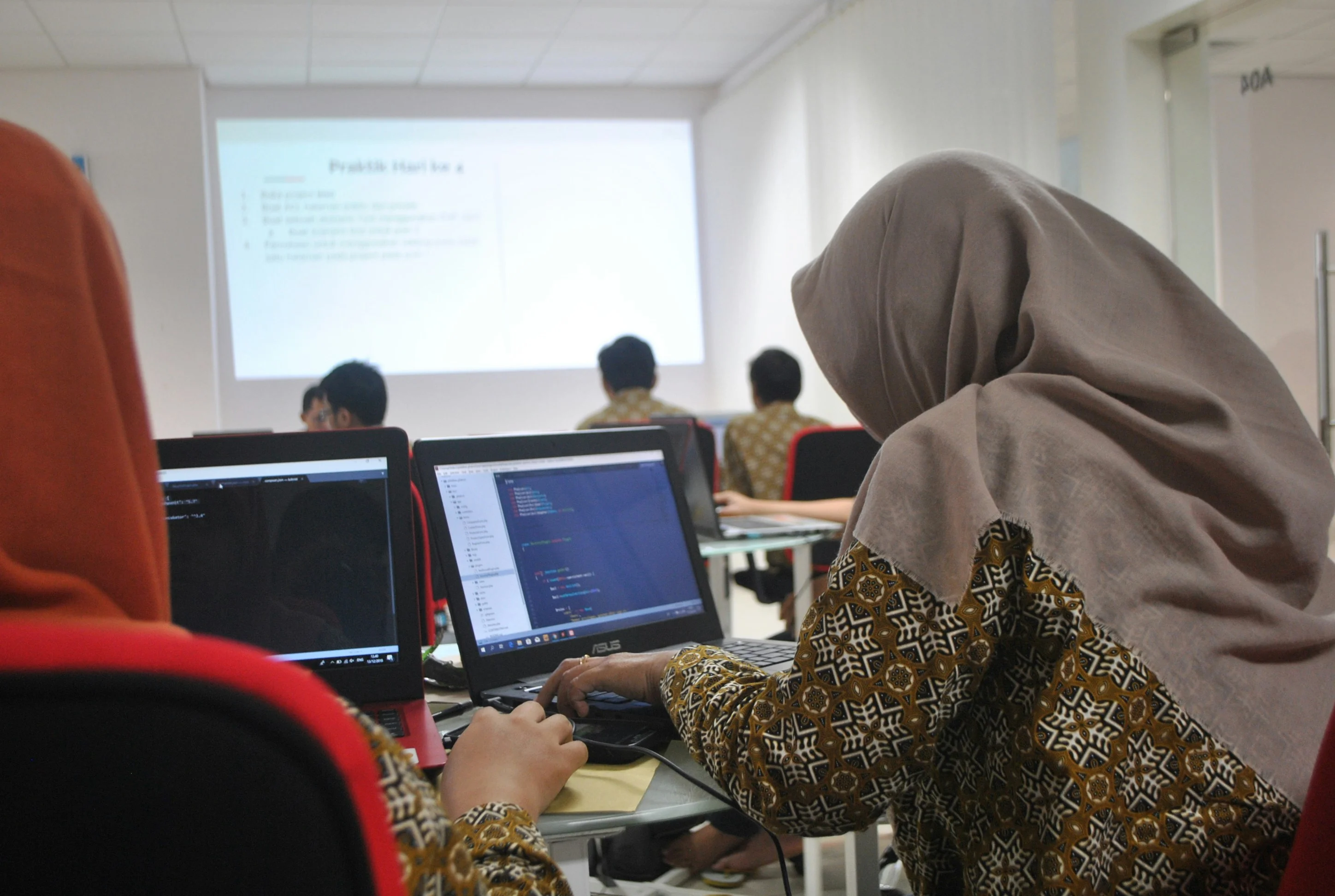
Where Can You Learn Basic Computer Skills? 4 Ways Compared
|
Learning method |
Best suited for |
Advantage |
Drawback |
|---|---|---|---|
|
On your own at home |
Self-motivated people with a computer |
Free or low cost, your own pace |
Easy to get stuck, no one to correct mistakes |
|
Computer class (institute) |
Beginners who want structure |
Lab practice, trainer, fixed syllabus |
Fixed timings, travel needed |
|
Home tutor |
People who can’t travel |
One-to-one attention |
Costs more, may lack proper lab or syllabus |
|
Online live class |
Working people, people in other cities |
Learn from home with a live trainer |
Needs internet and a device |
Who should choose what? Complete beginners usually do best in a class, because they can practise on a real system with a trainer nearby. If travel is hard, choose a live online class or a home tutor.
Learning on your own at home
YouTube videos can work well for small tasks. But beginners often don’t know what to learn first, so progress becomes slow.
Computer classes (institutes)
You get a fixed routine, practice time and doubt-solving. This is why most people search for Near Me Computer Classes.
Home tutor
Good for homemakers or senior citizens. Check that the tutor teaches step by step and uses a proper syllabus.
Online live classes
Real-time teaching, with questions answered on the spot. A stable internet connection is a must.
How to Find Near Me Computer Classes in Ranchi
Search properly on Google Maps
Try computer classes near me, basic computer course in Ranchi, MS Office classes Lalpur or computer classes for women Ranchi. Read recent reviews, not only the star rating.
Ask neighbours and former students
A student who finished the course can tell you about trainer quality, batch timings and how helpful the staff is. This is often more honest than an advertisement.
Search by area
Look in Lalpur, Main Road, Kanke Road, Harmu, Doranda and Hatia. Pick the area closest to home so you don’t skip classes.
Visit two or three places and compare
Go in person. See the lab, meet the trainer, and ask for a demo class before paying anything.
How to Choose the Right Computer Class
Lab quality and a separate system for every student
Sharing one computer between two or three students means you will not get enough practice. Insist on your own system.
Batch size and trainer attention
Small batches let the trainer check your work. In a crowded batch, beginners get left behind.
Focus on practicals and a clear syllabus
At least half your time should be hands-on. The institute should show you the syllabus in writing.
Hindi/Hinglish teaching and batch timings
Beginners learn faster when the trainer explains in Hindi or Hinglish. Check morning and evening batches, and ask about women-only batches if you need them.
What to look for in a demo class
Is the trainer patient? Can you follow the explanation? Do students get to touch the keyboard?
10 questions to ask the institute
- Is there a separate computer for each student?
- How many students are in a batch?
- Can I attend a free demo class?
- Who will teach me, and what is their experience?
- Can I see the full syllabus in writing?
- Is teaching in Hindi/Hinglish?
- What batch timings are available?
- What is the total fee, and are there extra charges?
- Will I get a certificate, and who issues it?
- What happens if I miss a class?
Computer Certificates: How to Tell Real from Fake
Government-Recognised Vs Private certificates
A government-recognised certificate comes from a government body. One example is CCC (Course on Computer Concepts) from NIELIT, which works under India’s Ministry of Electronics and IT. A private certificate is issued by the institute itself. It shows you completed training there, but it is not a government certificate.
Which certificate is useful where
Government jobs may ask for specific certificates like CCC. Private jobs usually care more about what you can actually do on a computer.
Ways to verify a certificate
- Ask the institute who issues the certificate.
- For government certificates, verify on the official NIELIT website.
- Check that the name, roll number and date are correct.
- Always check the latest rules for any government course on its official website before enrolling.
Red Flags: Classes to Avoid
- Claims of a 100% job guarantee
- Refusing to offer a demo class
- No clear answers about the syllabus or the trainer
- Ads with no real address or photos
- Pressure to take admission in a hurry
If a class shows even two of these, walk away.
Learning Roadmap for Beginners
Homemakers and women working from home
Start with typing, Word and the internet. Then learn UPI and online forms.
Students (Class 8 to 12)
Learn Word and PowerPoint for school projects. Then add Excel and safe internet use.
Job seekers
Typing, MS Office, email and a simple resume in Word. Excel matters most for office jobs.
Shopkeepers and small business owners
Excel for stock and bills, UPI for payments, and Google Drive for backups.
Senior citizens and people aged 40+
Begin slowly with the mouse and keyboard. Then video calls, UPI and online forms. Nobody is too old to learn.
General sequence: using the computer, typing, Word, Excel, internet and UPI.
What to Do After Learning the Basics
Data entry and office assistant jobs
These roles need typing, Word and Excel, which you will already have.
Moving towards Tally and accounting
If you like numbers, Tally Prime is a natural next step.
Moving towards web design or graphic design
If you enjoy visuals, explore design courses.
Freelancing and working from home
Typing, form filling and document work can become small freelance services.
How Can EEPL Classroom Help You?
If you are looking for Near Me Computer Classes in Ranchi, EEPL Classroom is worth a visit. The centre is at Rospa Tower, Main Road, and there is also a branch at Hariom Tower, Lalpur. Here is what you get:
- Courses: DCA, ADCA, MS Office, Advanced Excel, Tally Prime and DTP, so you can move forward after the basics.
- Free demo class: See the teaching first, then decide.
- Offline or live online: Learn in Ranchi, or from home with a live trainer.
- Easy payment: Zero-interest EMI in 2 to 3 instalments.
- Spoken English and career counseling: Useful if you also want better communication or career direction.
Call +91 9031685211 or visit eepl.me to book your free demo.
Conclusion
Learning computers is not as hard as it looks. Start with the basics, pick the learning method that suits you, and visit a few Near Me Computer Classes before you decide. Always ask for a demo.
Ready to start? Book a free demo class at EEPL Classroom, Ranchi. Visit eepl.me or call +91 9031685211.
FAQs
1. Can I learn computers even if I don’t know
English?
Yes.
You can start in Hindi. Most basic tasks use icons, and you learn the few
English words as you go. Choose a class where the trainer explains in Hindi or
Hinglish. English improves naturally with regular practice.
2. Is it necessary to join a computer class, or
can I learn at home?
It is not compulsory. Motivated people can learn at home with videos. But a
class gives you a lab, a trainer and a routine. Beginners usually learn faster
and make fewer mistakes with guidance, especially for Excel and typing.
3. Which is better, online or offline
classes?
It depends on you. Offline suits people who want a lab and face-to-face help.
Online suits busy people or those who live far away. Both work well if the
trainer is good and you practise regularly.
4. Can I get a job after learning basic
computer skills?
Basic skills can help you get entry-level jobs such as data entry or office
assistant. Employers also look at typing speed, Excel and communication. For
better roles, keep adding skills like Tally or advanced Excel.
5. How can I check whether a computer class
certificate is genuine?
First
ask who issues it. For a government certificate like CCC, verify on the
official NIELIT website. For a private certificate, check the institute’s
address, reviews and records. Never trust a certificate with no clear issuing
body.