I Am a Graduate With No Computer Skills: Which Skill Should I Learn First?
Graduates without computer skills can start with essential digital and computer skills such as typing, MS Office, internet usage, email, and basic digital tools. Learning these skills step by step can build confidence and improve career readiness.
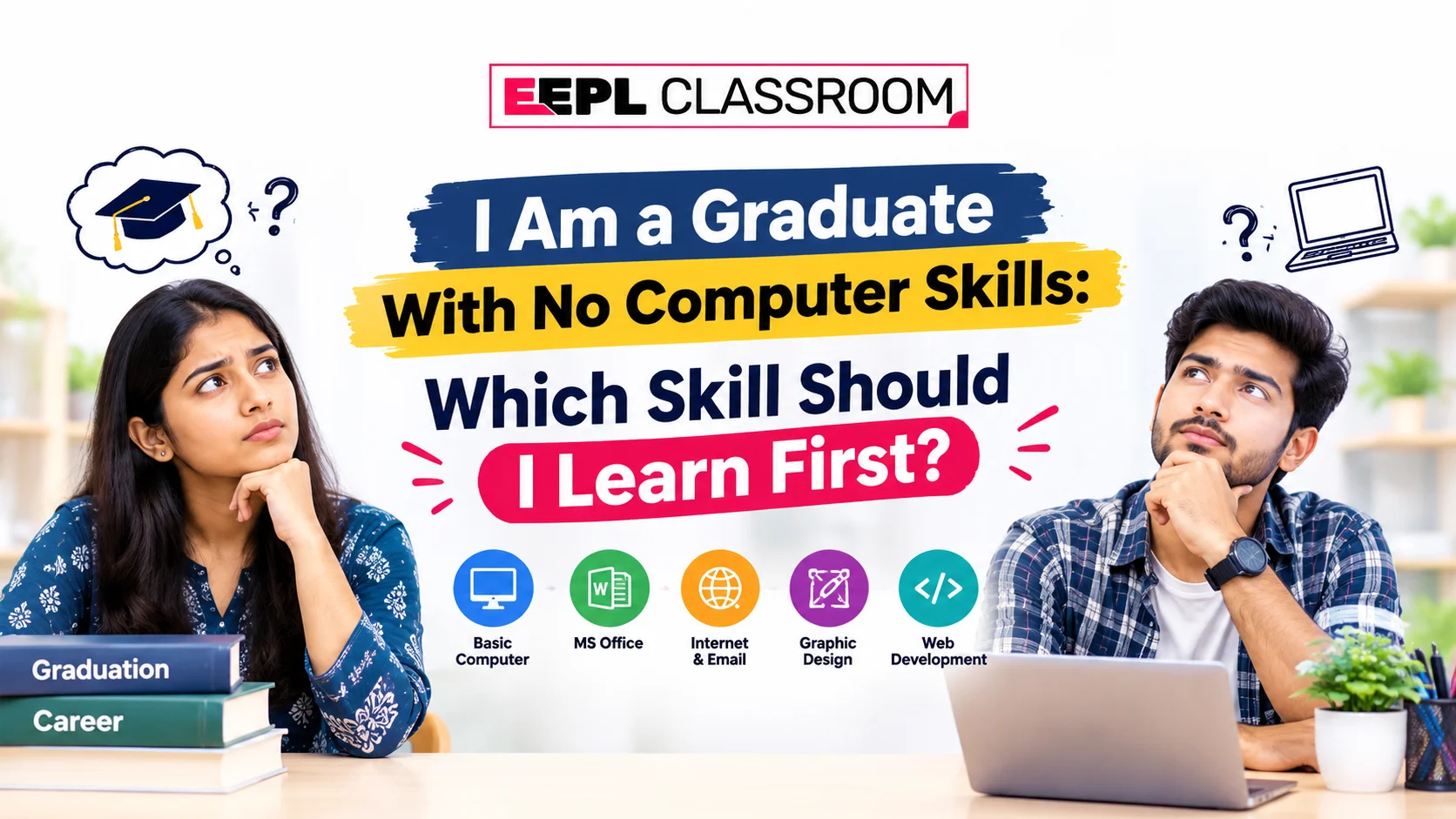
Introduction
Graduation is an important milestone, but having a degree does not always mean you have all the practical skills required for today's workplace. One common problem many graduates face is a lack of basic computer knowledge. If you have recently graduated but still lack confidence in using a computer, you may be asking yourself, “What computer skill should I learn first?”
The good news is that you do not need to become a programmer or learn advanced technology immediately. The best approach is to start with basic computer skills and digital literacy and then gradually move toward job-oriented skills.
For most graduates with little or no computer experience, learning computer fundamentals, file management, typing, internet usage, email, and basic MS Office applications is a sensible starting point. Once these skills become comfortable, you can move toward advanced Excel, accounting software, programming, data analytics, web development, or other specialized areas depending on your career goal.
If you are looking for structured computer training in Ranchi, EEPL Classroom offers foundational courses such as DCA along with advanced and specialized computer courses. Its website currently lists DCA as a three-month course covering areas such as MS Office, Tally, internet skills, and basic programming fundamentals.
Why Should Graduates Learn Computer Skills?
Computers are used in many settings. Employees need them to create documents, prepare spreadsheets, send emails, maintain records, build presentations, communicate with colleagues, and work on online systems.
This does not mean that every graduate requires advanced technical knowledge; the necessary skills vary depending on the type of job you seek. However, having basic computer knowledge makes it easier to handle everyday digital tasks and facilitates learning specialized software later on.
For instance, an administrative employee might need proficiency in MS Word and Excel, whereas an accounting professional could benefit from Tally and advanced spreadsheet skills. Someone interested in software development might eventually need to learn programming languages like Python, Java, or C++. An individual interested in a data-related career could later learn Excel, SQL, data visualization, and other analytical tools.
The key is to build a strong foundation before choosing a specific area ofspecialization, thereby fostering your overall growth.
Why Should Graduates Learn Computer Skills?
If you have very little knowledge about computers, your first priority should be to acquire basic computer knowledge.
You should learn how a computer actually works and become comfortable performing simple tasks yourself. Your initial learning process could include the following:
1. Computer Fundamentals
Start by understanding the basic components of a computer, such as the keyboard, mouse, monitor, CPU, storage, and other common peripherals (external devices).
You should also learn how to properly turn the computer on and off, open and close applications, use menus, manage windows, and understand the basic functions of the operating system.
The goal is not to memorize complex technical jargon, but to develop the confidence and practical skills needed to use a computer with ease.
2. File and Folder Management
Organizing and managing files is one of the first computer skills a beginner should learn.
Learn how to create folders, rename files, copy and move documents, delete unwanted files, search for files, and organize your work effectively. You should also understand common file formats like PDF, DOCX, XLSX, and JPG.
These may seem like simple tasks, but they are frequently used in academic and professional settings.
3. Typing and Keyboard Skills
Typing is another useful skill that should be learned early on.
Practice using the keyboard, including numbers, symbols, and shortcut keys, as well as common commands like copy, paste, undo, save, and select all.
You do not need to become a professional typist. The goal is simply to type with enough ease so that basic computer tasks do not feel slow or difficult.
4. MS Word
After learning the basics, start with a word-processing application like Microsoft Word. Learn how to create and format documents, change fonts, use headings, insert tables and images, adjust page layouts, check spelling, save documents, and generate PDFs.
These skills are useful when preparing resumes, applications, reports, letters, assignments, and other professional documents.
5. MS Excel
Special attention should be paid to Excel, as spreadsheets are widely used for organizing and analyzing information.
To get started: Begin with cells, rows, columns, formatting, basic formulas, sorting, filtering, and simple tables. Subsequently, you can learn functions, charts, PivotTables, lookup functions, and other advanced Excel features.
If your career involves administration, accounts, sales, operations, or data handling, honing your Excel skills can be highly beneficial.
6. Internet and Email Skills
Digital communication is also essential for graduates.
Learn how to find reliable information online, use web browsers, upload and download files, send and manage emails, attach documents, organize your inbox, and easily fill out online forms.
You should also understand the basics of digital security, such as using strong passwords, avoiding suspicious links, and exercising caution when sharing personal information online.
Why Should Graduates Learn Computer Skills?
If you are completely new to computers, a structured beginner's course can provide a clear learning path, rather than trying to learn things haphazardly.
ADCA (Diploma in Computer Applications) can be a great starting point, as it is designed with the fundamentals of computer applications in mind. According to EEPL Classroom, their DCA course covers computer basics, MS Office, internet and digital skills, Tally, basic accounting, programming fundamentals, data management, and office automation.
Such a course can be beneficial for graduates who wish to build a strong foundation before choosing a specialization in a specific field.
However, the right course depends on your existing knowledge and career goals. If you are already familiar with basic computer operations, you won't need to spend much time on the fundamentals and can instead opt for a more specialized course.
What Should You Learn After Basic Computer Skills?
Once you become comfortable using a computer, choose your next skill based on your career goals.
For example:
• Office and administrative work: MS Office, Advanced Excel, documentation, and communication tools
• Accounting: Tally, Excel, GST-related accounting concepts, and bookkeeping basics
• Programming: Python, Java, C/C++, or any other suitable programming path
• Web development: HTML, CSS, JavaScript, databases, and web development frameworks
• Data-related careers: Advanced Excel, SQL, data visualization, and data analytics
• Creative work: Graphic design, DTP, image editing, and related software
• Digital careers: Digital marketing, content tools, analytics, and online business platforms
EEPL’s current course offerings range from DCA and ADCA to Advanced Excel, Tally Prime, Python, data analytics, web development, Java, AI/ML, and other computer-related programs.
This allows the computer learning process to be viewed as a progression: Basics → Practical Application → Specialization.
A Simple Learning Roadmap for Graduates
If you are starting from zero, you can follow this basic sequence:
Step 1: Computer fundamentals
Step 2: Typing and keyboard shortcuts
Step 3: File and folder management
Step 4: Internet and email
Step 5: MS Word
Step 6: MS Excel
Step 7: PowerPoint and presentations
Step 8: Choose a career-specific skill
Step 9: Practice through projects and real tasks
Do not rush through every technology at once. Consistent practice is more useful than collecting certificates without developing practical ability.
How Can EEPL Classroom Help Beginners?
EEPL Classroom in Ranchi offers computer training for beginners, students, graduates, and learners looking to develop practical computer skills. The website highlights practical training, career guidance, and hands-on learning, and its computer-course category includes both foundation-level and specialized programmes.
For a graduate who is unsure where to begin, starting with a foundation-level course such as DCA and then choosing a specialization can be a more organized approach than jumping directly into an advanced technical course.
Before enrolling, it is still sensible to compare the syllabus, duration, practical training, course level, and your own career objectives.
Conclusion
If you are a graduate with no computer skills, you do not need to feel behind. Start with the basics and build your confidence step by step.
The first skills you should focus on are computer fundamentals, typing, file management, internet and email usage, MS Word, and MS Excel. Once you have a strong foundation, you can choose a specialized skill based on the type of career you want to pursue.
For learners who prefer structured training, a beginner-oriented programme such as DCA can be a practical starting point. After building the foundation, you can move toward Advanced Excel, accounting, programming, data analytics, web development, or another career-focused area.
The key is simple: learn the fundamentals first, practice regularly, and specialize according to your career goal.
FAQs
1. Which computer skill should I learn first after graduation?
If you have no computer experience, start with basic computer literacy. Learn computer fundamentals, typing, file management, internet and email usage, MS Word, and basic Excel before moving to advanced skills.
2. Can I learn computer skills even if I have never used a computer?
Yes. Beginners can start with basic computer operations and gradually develop their skills through regular practice. You don’t need to have advanced technical skills or expertise to get started with learning.
3. Is DCA suitable for graduates with no computer knowledge?
DCA can be a suitable foundation for learners who want structured computer training. The DCA programme listed by EEPL Classroom covers areas including MS Office, internet skills, Tally, and basic programming fundamentals.
4. Should I learn Excel before programming?
If your immediate goal is general office work, administration, accounting, or data handling, learning Excel first can be useful. If your goal is software development, you can move toward programming after developing basic computer literacy.
5. Which computer course should I choose after learning the basics?
It depends on your career objective. You can consider Advanced Excel or Tally for office and accounting-related work, programming for software development, web development for websites, or data analytics for data-focused careers. Choose based on the skills required for the type of work you want to pursue.
For More Information and Updates
Phone Number: 7488713536
Email ID: eeplclassroom1@gmail.com
Blogs: EEPL Classroom Blogs
Our Platforms
Follow Us on Social Media