Computer Education in Ranchi: Best Courses for Jobs & Careers
Explore Computer Education in Ranchi and find the best courses to build practical skills for private jobs, government exams and rewarding IT careers.
Introduction
Think about your last week. You may have paid through UPI, filled an online form, sent a document on WhatsApp or checked a result on a website. Without knowing it, you used computer skills.
Now think about the job side. Offices ask for Excel. Shops use billing software. Companies hire people who can code, analyse data or build websites. This is why Computer Education is no longer a "extra" skill. It is the base of almost every career.
But here is the problem. There are too many courses, too many institutes and too many promises. Many students start in a hurry and then feel stuck after three months.
This blog will help you avoid that. In simple words, you will learn what Computer Education really means, which skills to learn first, how to choose a good institute and what a real learning path looks like. We have also used the courses listed on eepl.me as examples, so you can see how it works in real life.
What Is Computer Education?
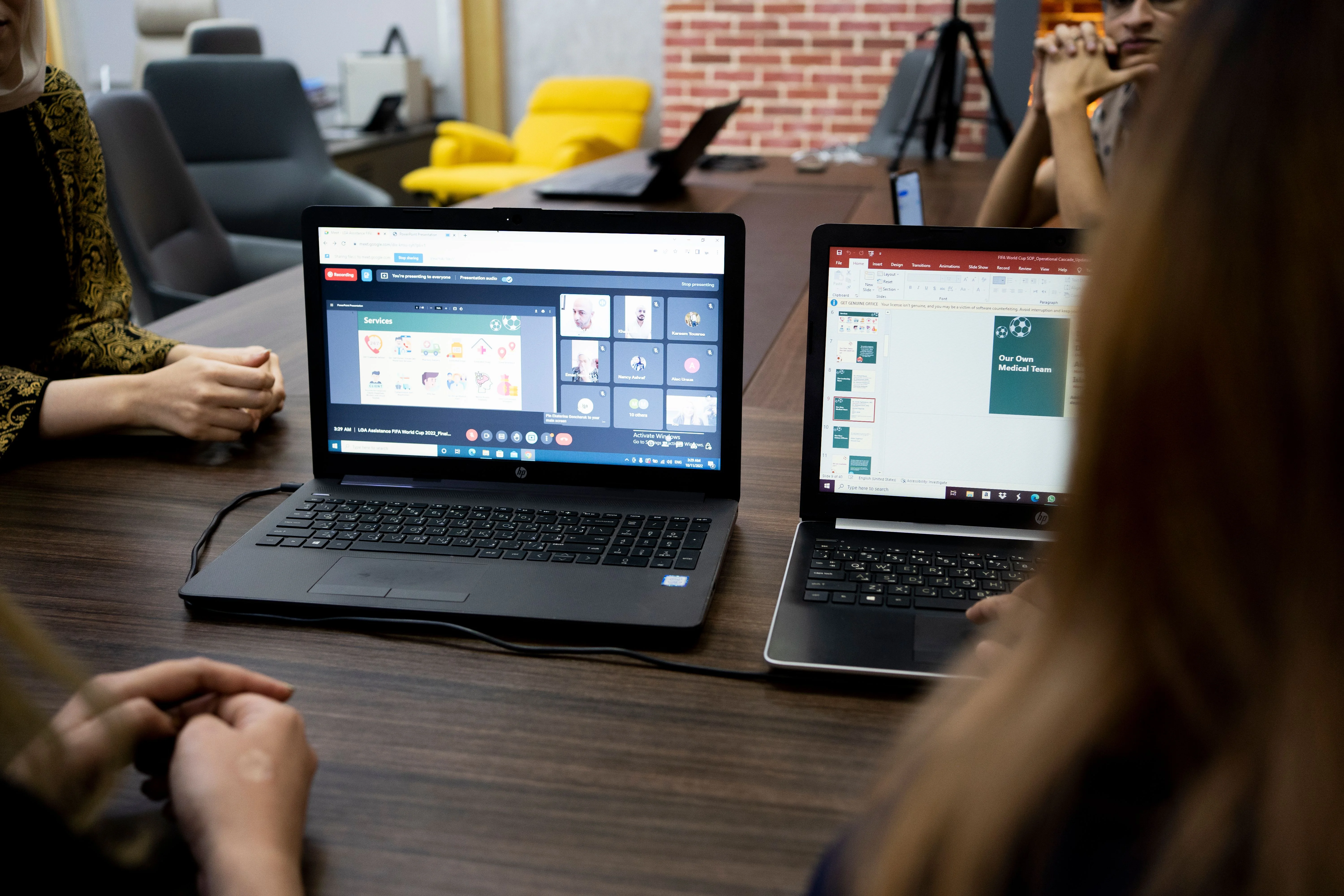
Computer Education means learning how to use computers and software for work, study and daily life. It is not only for people who want to become programmers.
It can be as simple as typing and MS Office. It can also go up to Python, Java, web development, data analytics and AI. The right level depends on you, your goal and your qualification.

Why Computer Education Matters Today
Here are three real-life examples:
- Riya (12th Commerce): She learns Excel and Tally. Now she can work in an accounts or office role with confidence.
- Imran (B.A. student): He learns basic web design in his free time. He starts taking small website work from local shops.
- Sunil (fresher, 22): He wants an IT job. He learns Python step by step and builds small projects to show in interviews.
These are examples to explain the idea. The common point is simple: when you learn a skill and practise it, doors open.
Think of Computer Education like stairs. You do not need to jump to the top. Start from where you are.
|
Level |
What You Learn |
Best For |
Example Courses |
|---|---|---|---|
|
Basic |
Typing, MS Office, internet, email |
Complete beginners, school pass-outs |
DCA, ADCA |
|
Office & Accounts |
Advanced Excel, Tally Prime, GST basics |
Commerce students, office job seekers |
Advanced Excel, Tally Prime |
|
Design & Publishing |
Desktop publishing tools |
Creative students |
DTP |
|
Coding & Web |
C/C++, Python, Java, PHP, MERN |
Students who want IT jobs |
C and C++, Python, Advanced Java, PHP, MERN Stack |
|
Data & AI |
Data analysis, machine learning |
Students who like numbers and logic |
Data Analytics, Python + Data Science, ML and AI |
A Simple Learning Roadmap
Let us take Neha, a 12th pass student who knows nothing about computers. Here is a path she can follow:
- 1. Month 1–3: Learn computer basics, typing and MS Office.
- 2. Month 4–6: Learn Advanced Excel or basic programming (like C or Python).
- 3. Month 7 onwards: Pick one direction: data, web development or accounts.
- 4. Throughout: Make small projects, such as a simple website, a student result sheet or a billing format.
The key is to learn one thing, practise it, and then move to the next. Doing five courses without practice gives you five certificates but very little skill.
How to Choose a Good Computer Institute
Before you pay any fee, check these seven things:
- Ask for a free demo class. See how the teacher explains.
- Get the syllabus in writing. Do not depend on verbal promises.
- Check practical work. At least half of your time should be on the computer, not only theory.
- Ask about batch size. Smaller batches get more attention.
- Understand the certificate. Ask who issues it and where it is accepted.
- Be careful with job guarantees. No genuine institute can promise a job. Ask what placement support actually means, such as resume help, interview practice and company connections.
- Ask about fees and EMI clearly. There should be no hidden charges.
3 Common Mistakes in Computer Education
1. Choosing a course because a friend did. Your goal is different from your friend's goal. Choose based on your plan.
2. Learning only theory. Computer skills come from practice. If you only watch and never try, you will forget quickly.
3. Collecting certificates instead of skills. An employer wants to know what you can do. Show a project, a sheet or a website you made.
Career Options After Computer Education
|
Skill You Learn |
Possible Job Roles |
|---|---|
|
MS Office, typing |
Data entry operator, office assistant |
|
Advanced Excel |
MIS executive, reporting assistant |
|
Tally Prime |
Accounts assistant |
|
Web development (PHP, MERN) |
Web developer, frontend or backend developer |
|
Java, Python |
Software developer, junior programmer |
|
Data Analytics, Data Science |
Data analyst, junior data scientist |
Your first job depends on your skill, projects and communication. A course gives you the base, and your practice builds the rest.
Why Choose EEPL Classroom in Ranchi?
A good Computer Education journey needs the right guidance from day one. Here is what EEPL Classroom offers:
- Hybrid learning: join offline in Ranchi or attend live online, with recorded sessions to revise.
- Project-based training: you learn by doing, not only by listening.
- Placement and internship support: according to the EEPL website, 1,000+ students have been placed or got internships, and 20,000+ students have been trained.
- Career counseling: helps you choose the right course before you spend money.
- Easy payment: the website mentions 0% EMI in 2–3 installments and merit scholarships.
- Two branches in Ranchi: Tharpakhna (Plaja chock Ranchi) and Lalpur (Hari Om Tower).
- Free demo class: try first, then decide.
FAQs
What is Computer Education?
It is learning how to use computers and software for study, work and daily life. It ranges from basic typing and MS Office to coding, data analytics and AI.
Which Computer Education course is best after 12th?
There is no single best course. If you want office jobs, start with DCA or Excel. If you want an IT career, start with programming like Python or C/C++. Career counseling can help you decide.
Can I start Computer Education with no computer knowledge?
Yes. Many courses start from zero. The courses on eepl.me are marked as beginner level.
How long does it take to learn computer skills?
It depends on the course. For example, the DSA course on eepl.me is listed as 2–3 months, while MERN Stack is listed as 10–12 months. Regular practice makes the biggest difference.
Can I join online if I live outside Ranchi?
Yes. EEPL lists hybrid classes, which means you can join live online from anywhere.
Conclusion
Computer Education is not about learning everything. It is about learning the right skill at the right time and practicing it. Start from your level, pick one direction, build small projects and choose an institute that shows you the syllabus and lets you try a demo first.
If you are in Ranchi and want honest guidance, talk to the EEPL Classroom counselors and book a free demo class.
For More Information and Updates, Connect With Us
- · Contact No: +91 9031685211
- · Email ID: emancipationedutech@gmail.com
- · Websites: https://eepl.me
- · Instagram: https://www.instagram.com/eepl.classroom/?hl=en
- · Facebook: https://www.facebook.com/eeplclassroom
- · YouTube: www.youtube.com/@EEPLClassroom
- · Live Location: https://share.google/V2XZnzegHrzmbbQJQ
- · Blog: https://eepl.me/blog
- · Address: 203, Hariom Tower, Circular Rd, Lalpur, Ranchi, Jharkhand 834001